CRM · Clerical Repetition Machine · by KzNet Technologies

The paperwork, handled.

Customers, follow-ups, quotes, invoices, and receipts in one place — built around the way a small business actually works, not the way a sales team does. Hosted by us. Your data stays yours.

Get startedSee how it works

How it works

1

Add a customer

A business and the people at it, entered once. Everything after that attaches itself — quotes, emails, calls, tasks, invoices. Two years later the whole history with that customer is one screen, instead of a search through an inbox, a notebook, and whoever happened to handle it.
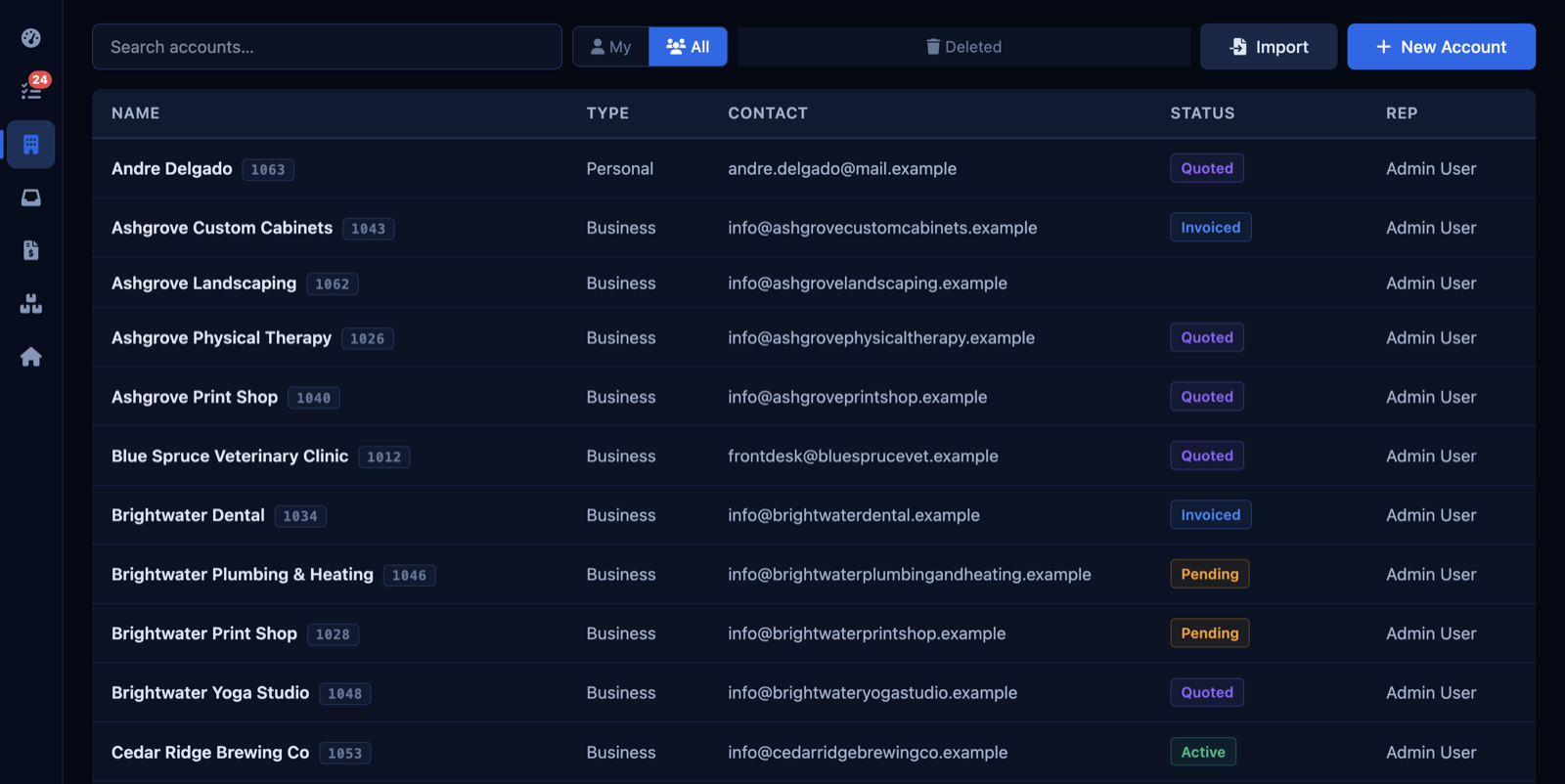
The Accounts screen: businesses with their contact, status, and rep
2

Find any of it, from anywhere

One keystroke opens search from any screen. Type a name, a phone number, a quote or invoice number, a serial off the back of a unit — it looks across accounts, contacts, emails, tasks, quotes, invoices, and inventory at the same time.
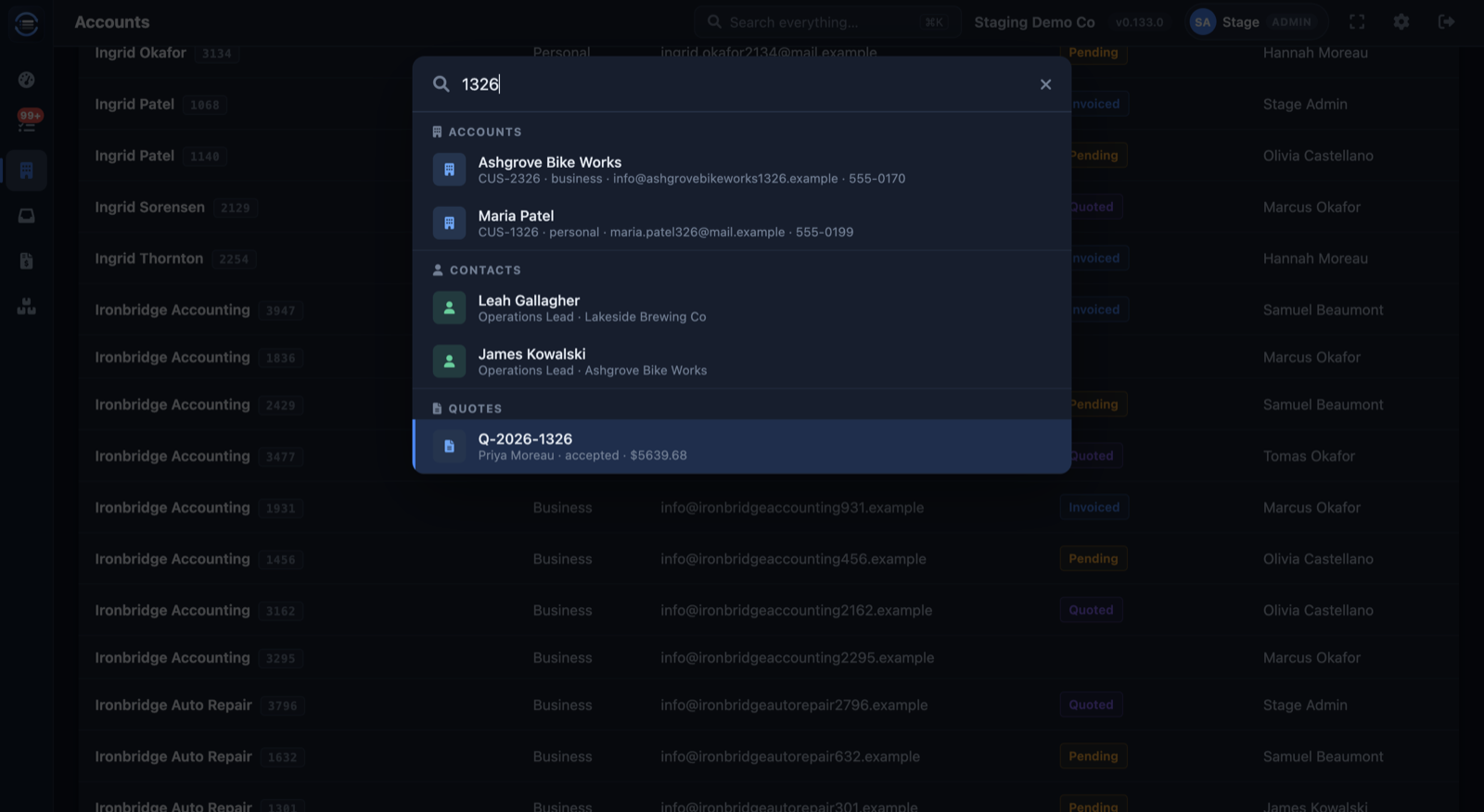
The search window: a typed number with results grouped into accounts, contacts, and quotes
3

Email logs itself

Connect Gmail or Outlook. Send from the app, or from your inbox like always — either way the email lands on the customer's record. Phone calls and notes go in with one line.
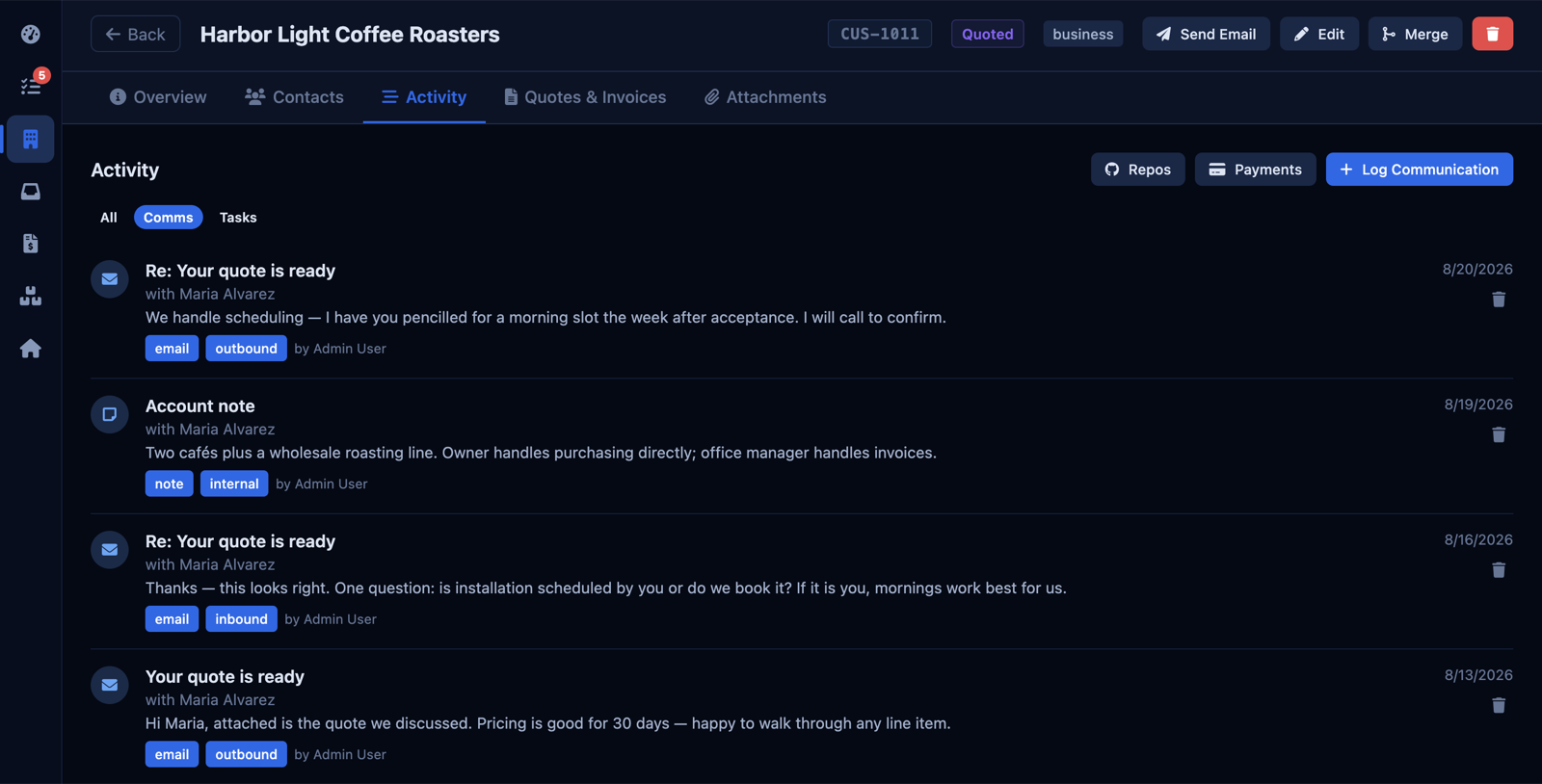
A customer's activity history: logged emails, an internal note, and a call, each dated and tagged
4

The day on one screen

Open the app and the day is laid out: active accounts, open tasks, unpaid invoices, revenue this month. Follow-ups you set — "call back Thursday" — land here with the customer attached, due today or overdue in red. Nothing lives in your head or on a sticky note.
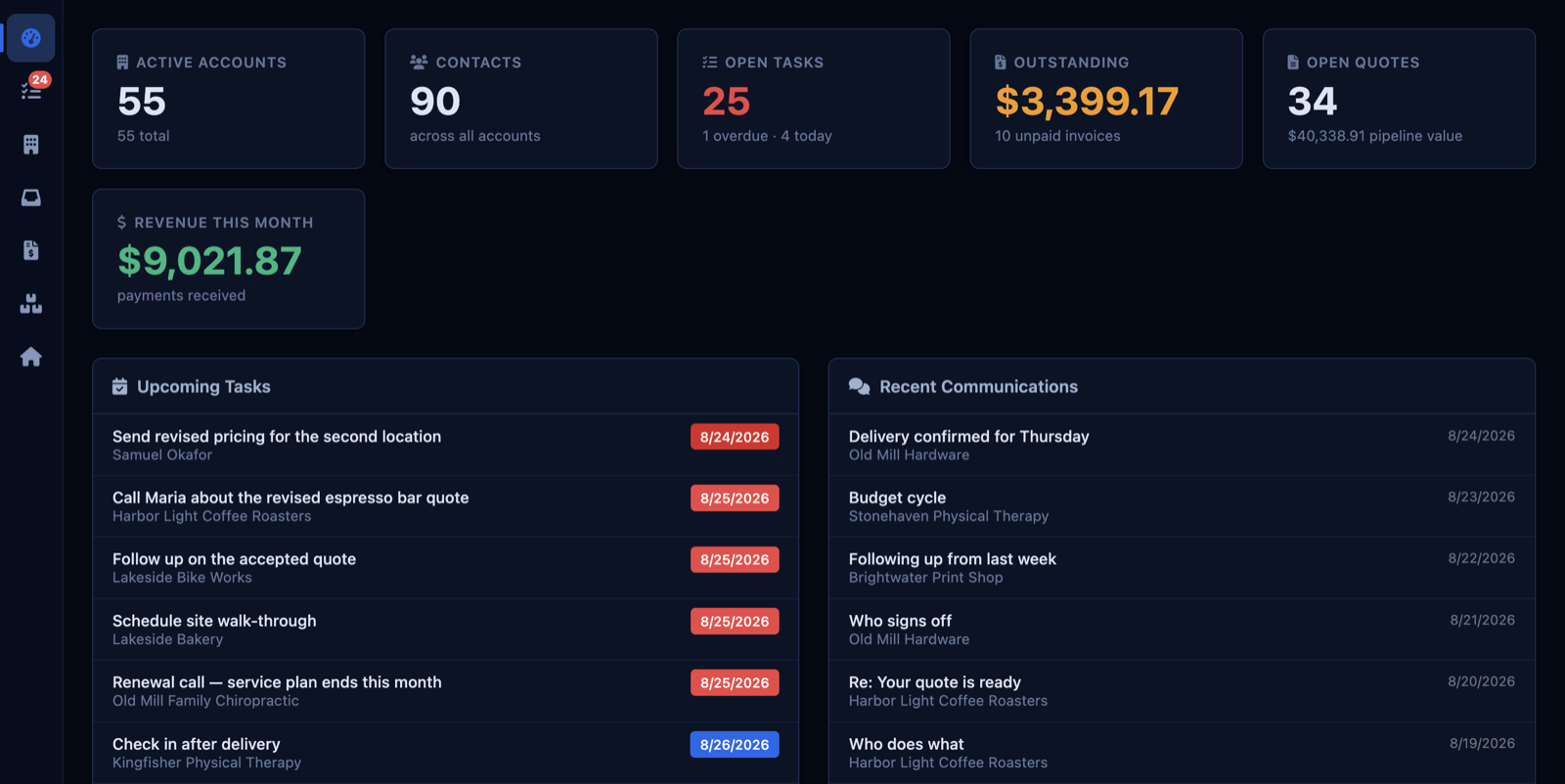
The dashboard: accounts, open tasks, outstanding invoices, revenue this month, and today's tasks with the customer attached
5

Quote, invoice, receipt

Build a quote from your price list. Accepted, it becomes the invoice; paid, it becomes the receipt — on your own letterhead, as a PDF, without retyping a line.
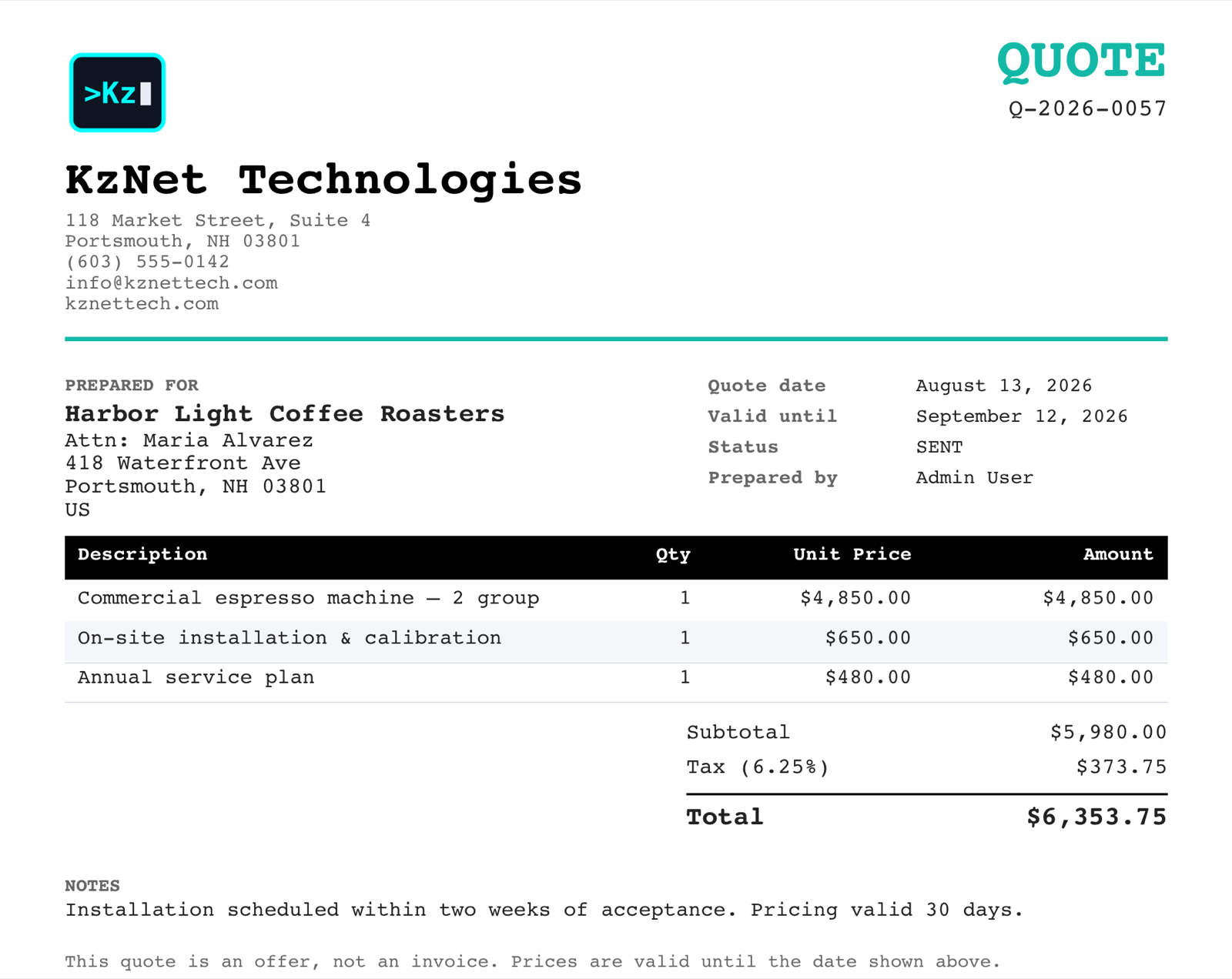
A quote on the company's letterhead: line items, tax, total, and validity date
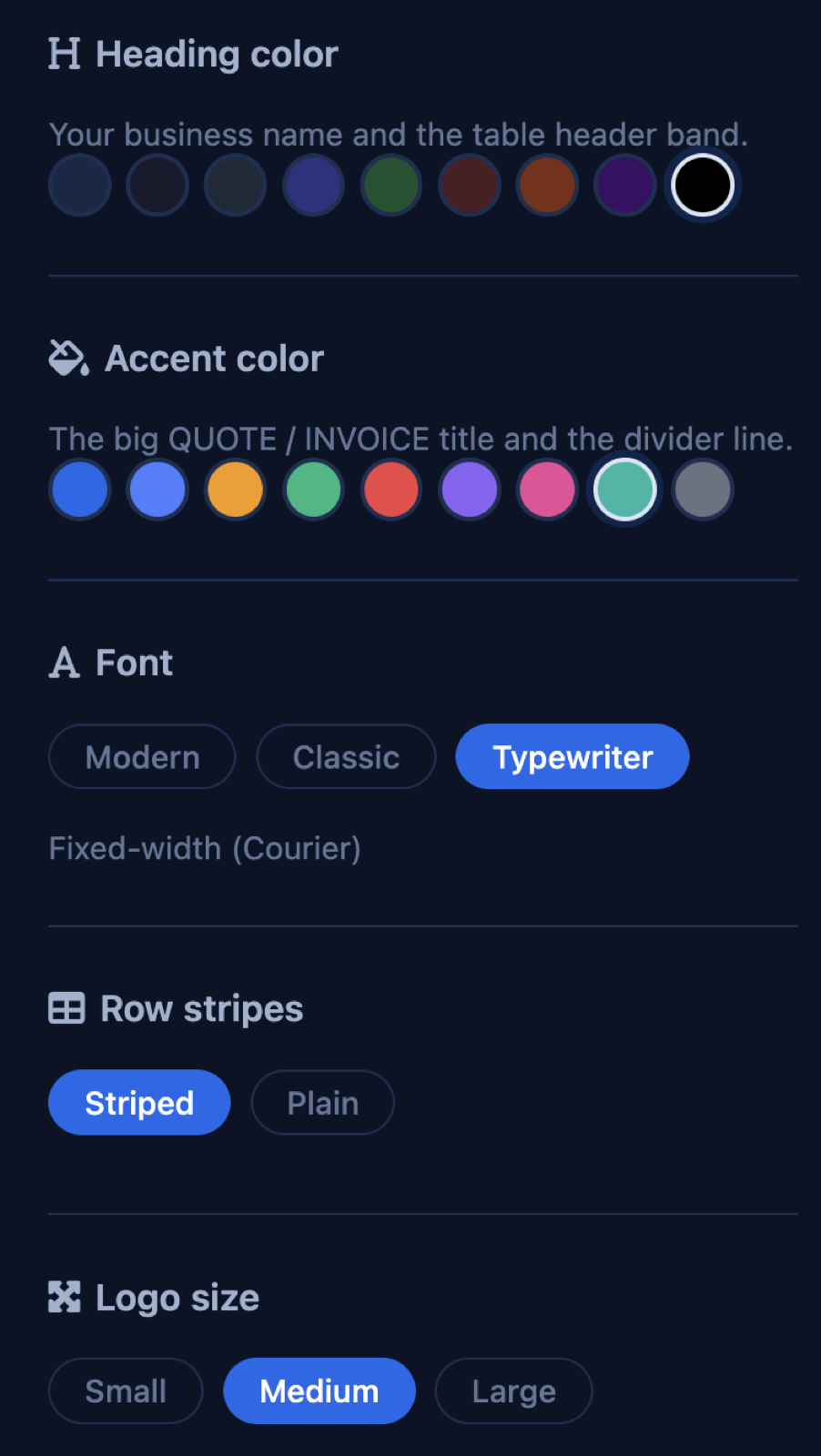
Document style settings: heading color, accent color, font, row stripes, logo size

What's included

Customers and contacts

  • Businesses, the people at them, and everything that's happened with each
  • Fields that fit your trade — turn on the ones you use, add your own
  • Works on your phone

The daily work

  • Gmail and Outlook logging, both directions
  • Tasks and follow-ups with due dates, on one dashboard
  • Quotes, invoices, and receipts on your letterhead
  • A price list, so quotes are picked, not typed
  • Search anything from any screen — names, numbers, SKUs, serials

Hosted, yours

  • We run it, back it up, and keep it updated — you log in
  • Export everything, any time
  • Cancel any time; your data leaves with you

What it isn't

It isn't accounting software, and it isn't a mass-email tool — connect the mailing-list app you already use for that. It's the clerical layer in between: who you're talking to, what you promised, and what they owe. If your business needs something it doesn't do, we build it into your instance and you own the result.

Getting started

  1. We talk through how you work today — twenty minutes.
  2. We set up your instance with your fields, your letterhead, and your price list, and send you a login.
  3. You use it beside whatever you use now until you're ready to stop.
Get started